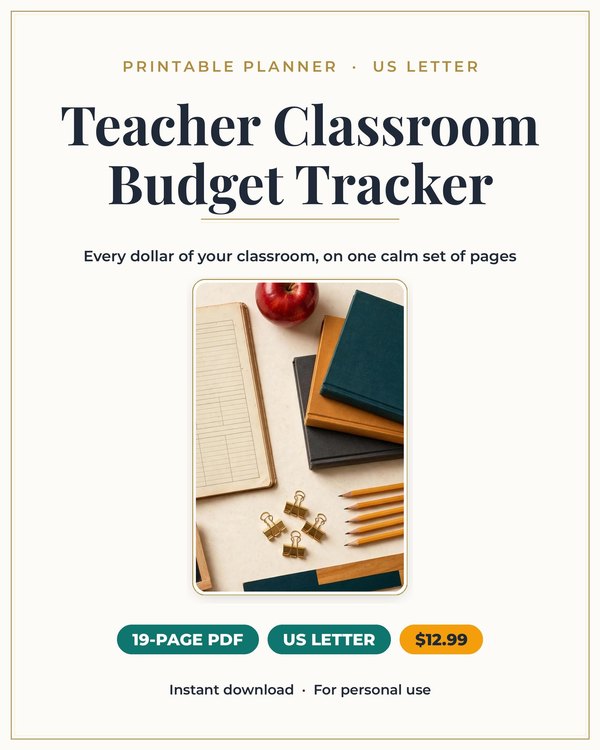
Teacher Classroom Budget Planner
The finance planner built for teachers who spend their own money on their classrooms.
$3.25 $12.99
Buy on Etsy →



Business and Side Hustles
Know your real profit per show, not just what sold.
A Whatnot show feels like pure revenue. Items sell, the chat moves fast, and the total at the end looks great. Then the payout lands and it is smaller than the show total suggested. Fees came out, shipping adjustments happened, and somewhere in the excitement you lost track of what the inventory actually cost you.
This 14 page undated printable pack exists to answer the one question that matters: what did I actually make? Not what sold, not what the app displayed mid show, but net profit after fees, after shipping, after cost of goods. And just as important, profit per hour, because a show that nets forty dollars over four hours is a very different business than one that nets forty dollars in one.
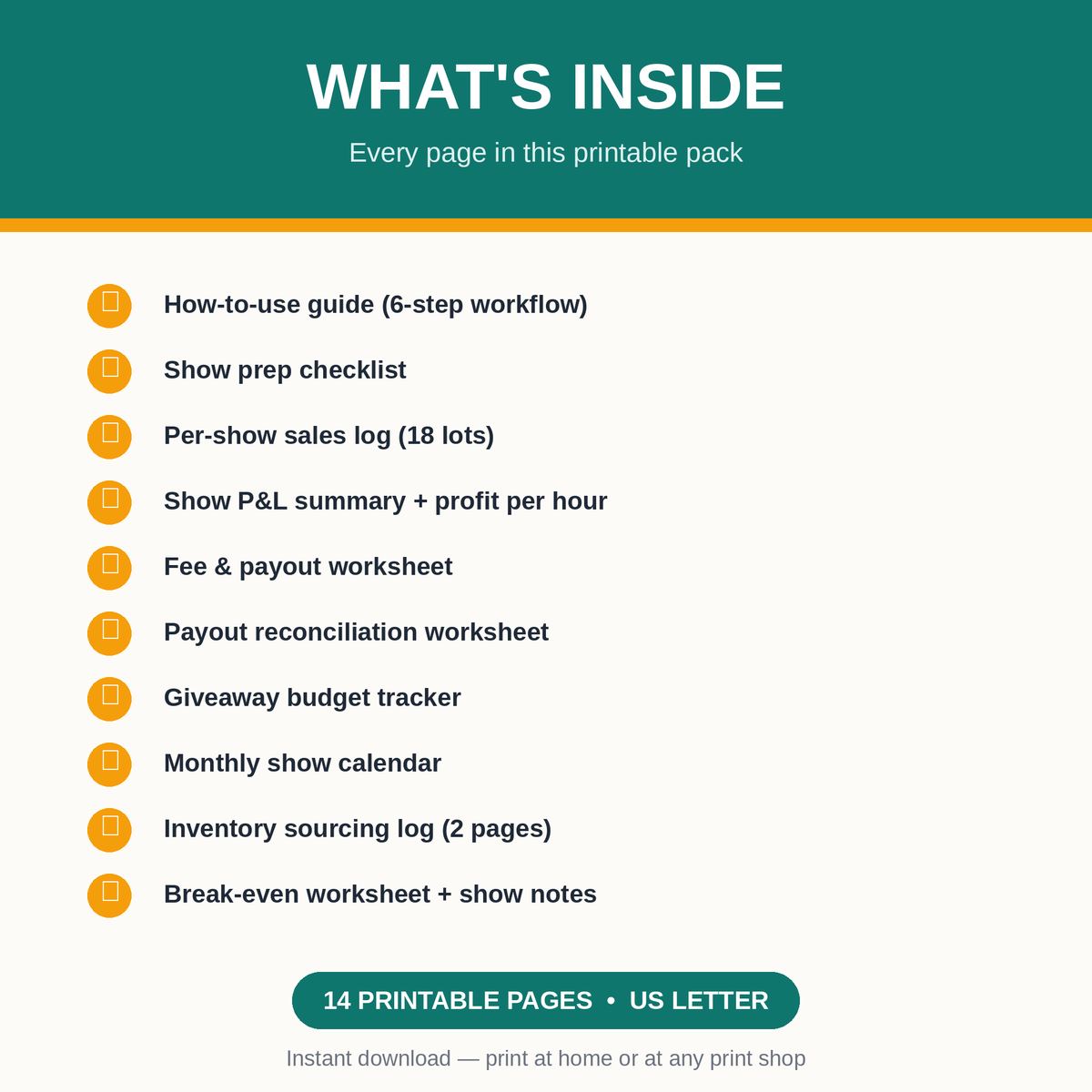
The pack starts with a show prep checklist so every live starts organized: inventory pulled, starting bids set, shipping supplies ready. The per show sales log gives you 18 lot rows per show to record what each lot sold for as it happens. Then the show profit and loss page turns those sales into net profit and profit per hour.
A fee and payout worksheet holds your current Whatnot fee rates, because fees change and your math has to match today's rates, not last year's. Finally, payout reconciliation lines up Whatnot's payout numbers against your own records so discrepancies get caught instead of shrugged at.
Before your next show, fill in the fee and payout worksheet with your current rates. Whatnot's fee structure has tiers and categories, so write down the ones that apply to what you sell. This one page of prep makes every profit calculation after it trustworthy.
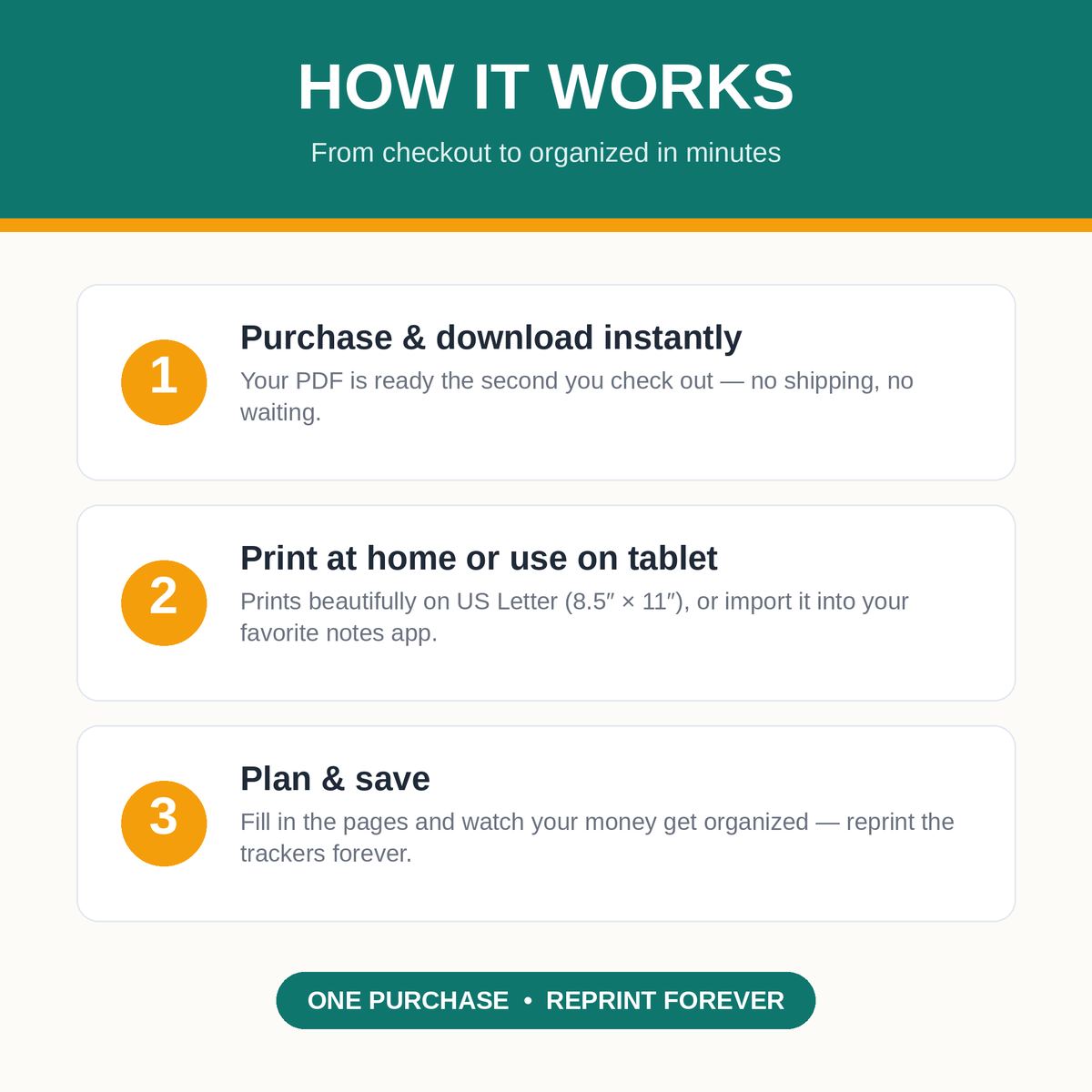
During the show, log each lot in the sales log as it sells. Eighteen rows covers a typical show; print extra log pages for marathon sessions. After the show, complete the profit and loss page while the numbers are fresh: gross sales, minus fees, minus shipping costs, minus what you paid for the inventory. When the payout arrives, reconcile it against your log. If the numbers do not match, you will know exactly which show and which lot to investigate.
Most resellers track profit per item. That number lies by omission, because it ignores the hours. A twenty dollar profit on a lot that took three hours of sourcing, listing prep, and live time is not the same business as a twenty dollar profit on a lot you listed in ten minutes.
Profit per hour is the number that tells you whether Whatnot is a business or an expensive hobby. Track it across ten shows and patterns appear: which categories pay for your time, which show lengths are your sweet spot, which sourcing trips were worth it. That is the difference between working hard and working profitably.
It is for new Whatnot sellers who want to start with clean books instead of reconstructing them at tax time. It is for regular sellers who have a gut feeling about which shows make money but have never proven it. And it is for resellers who sell across platforms and need Whatnot's numbers separated cleanly from everything else.
If you sell on Whatnot casually, a few shows a month, the pack still pays for itself the first time the reconciliation page catches a payout that does not match your log.
A live show is fast. You need a sales log on a clipboard next to you, not another tab to switch to while the chat is flying. Paper keeps up with live pace: scribble the lot number and sold price, keep your eyes on the camera, fill in the math after.
The pack is undated, so it never expires. Print a fresh set of show pages before each live, keep completed shows in a binder, and by quarter end you have a complete, organized record of your Whatnot business without ever opening a spreadsheet mid show.
Download the 14 page PDF and fill in the fee worksheet with your current Whatnot rates before your next show.
Log each lot in the sales log during the live, then complete the profit and loss page right after the show ends.
Reconcile each payout against your log, and review profit per hour across shows to find your most profitable patterns.
What buyers ask before downloading this planner.
No. It is a printable manual system. You log sales by hand during the show and reconcile against Whatnot's payout reports yourself. Many sellers prefer this because it forces them to actually look at the numbers instead of trusting a dashboard.
Whatever Whatnot currently charges for your seller level and categories. Check your seller dashboard for the current rates and write them on the fee worksheet. Update the page whenever Whatnot announces changes so your profit math stays accurate.
The 14 pages are a reusable template set, not a fixed number of shows. Print fresh sales log and profit pages before each show. One purchase covers unlimited shows; you just reprint the pages you fill.
No, it is built for sellers: tracking lots sold, fees, payouts, and profit. Buyers tracking their own spending would want a personal budget planner instead.
US Letter, standard home printer size. The sales log is designed to be readable at a glance on a clipboard during a live show.
It gives you organized profit records, which your tax preparer will love, but it is not tax software and does not calculate what you owe. Talk to a tax professional about reseller tax obligations in your state.
Planners from the same collection, built to work together.
The finance planner built for teachers who spend their own money on their classrooms.

The money side of your one person business in one calm system.

Join the list and get the free monthly budget worksheet plus first word on new planners.
No spam, ever. Unsubscribe anytime.