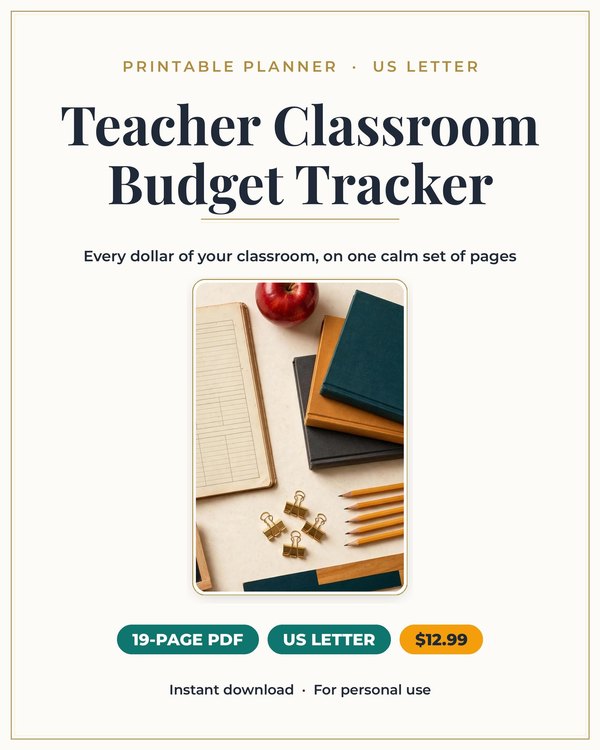
Teacher Classroom Budget Planner
The finance planner built for teachers who spend their own money on their classrooms.
$3.25 $12.99
Buy on Etsy →
Business and Side Hustles
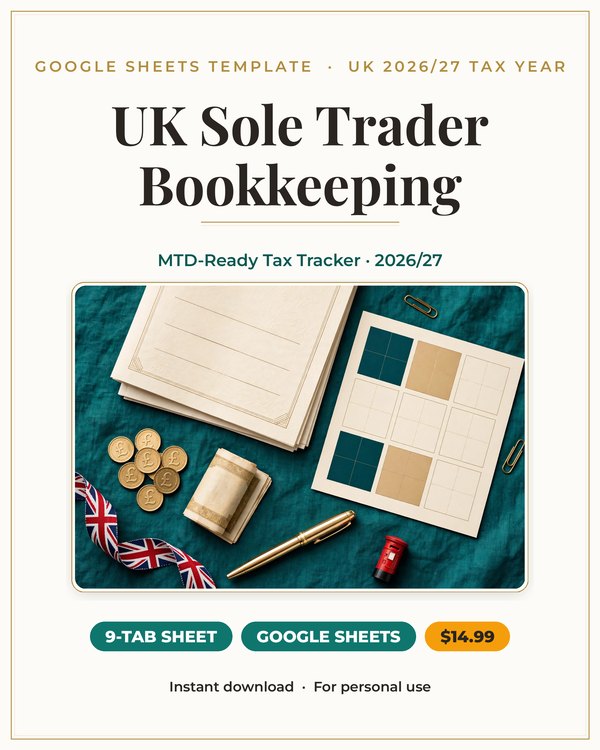
MTD ready books for UK sole traders. Quarterly HMRC updates in minutes, not a weekend.
Making Tax Digital means quarterly updates to HMRC instead of one yearly scramble. For sole traders used to doing the books in January, that is a real change in rhythm.
This Google Sheets workbook is built for the UK 2026/27 tax year around that rhythm. Income and expense logs mapped to SA103F boxes, MTD quarterly totals with HMRC due dates, and a live estimate of what you owe as the year builds.
Quarterly updates in minutes, not a weekend. That is the whole pitch.
Every income and expense line in the workbook maps to its SA103F box from the moment you enter it. You are not sorting receipts into tax categories in January. The categories are the boxes.
The box by box SA103 map walks you through copying each figure into your Self Assessment return. Each line of the workbook is labeled with its box number.
This turns the tax return from a research project into a copying task. The thinking happened all year, one entry at a time.
The MTD quarterly totals section aggregates your year into the four quarters HMRC wants, with the due dates printed alongside. Each quarter you check the totals and submit the update.
The live Income Tax plus Class 2 and Class 4 National Insurance estimate runs all year. No more discovering the bill in January. You watch it build and you plan for it.
An Excel bonus file is included for anyone who prefers desktop Excel over Google Sheets. Same structure, same boxes.
A spreadsheet beats a shoebox because the boxes are the structure. Paper receipts do not map themselves to SA103F. This workbook does it as you type.
It beats generic bookkeeping apps for sole traders who want the UK tax structure built in rather than bolted on. The MTD quarters, the NI classes, the SA103 boxes: they are the workbook, not a customization.
Your data lives in your own Google account or Excel file. No subscription, no per user fees, no features you will never touch.
It is the difference between dreading each quarter and barely noticing it.
This workbook is for UK sole traders who do their own books and want MTD quarterly updates to be painless.
It suits freelancers, tradespeople, and side business owners who file Self Assessment and want the year's numbers organized as they go.
It is an organizational tool, not tax advice. It keeps your books in HMRC's shape. For tax decisions, take the organized books to an accountant.
Under Making Tax Digital for Income Tax, sole traders submit quarterly updates of income and expenses to HMRC, plus a final declaration after the tax year ends. It replaces the single annual Self Assessment scramble with four smaller updates through the year.
The practical change is rhythm. Instead of reconstructing twelve months in January, you keep digital records as you go and review them each quarter. This workbook is shaped around that rhythm: the logs feed the quarterly totals, and the quarterly totals feed the year end return.
The penalty for ignoring it is stress, not just fines. Quarterly updates with organized books take minutes. Quarterly updates with a shoebox take a weekend. The workbook makes sure you are in the first group.
Log income and expenses in the workbook as they happen, mapped to SA103F boxes from the start.
Each quarter, check the MTD quarterly totals against the HMRC due dates and submit your update.
At year end, follow the box by box SA103 map to copy your figures into your Self Assessment return.
What buyers ask before downloading this planner.
The MTD quarterly totals section maps your income and expenses to each quarter with the HMRC due dates, so each update is a short task instead of a scramble.
Yes. The live estimate combines Income Tax with Class 2 and Class 4 National Insurance so you see the full bill as it builds.
Yes. An Excel bonus file is included alongside the Google Sheets workbook.
The box by box SA103 map labels every line of the workbook with its SA103F box number, so copying figures into your Self Assessment return is straightforward.
Yes. It is built for the 2026/27 tax year with the current boxes, quarters and due dates.
This is an organizational tool, not tax advice. For tax decisions, take your organized books to an accountant.
Planners from the same collection, built to work together.
The finance planner built for teachers who spend their own money on their classrooms.
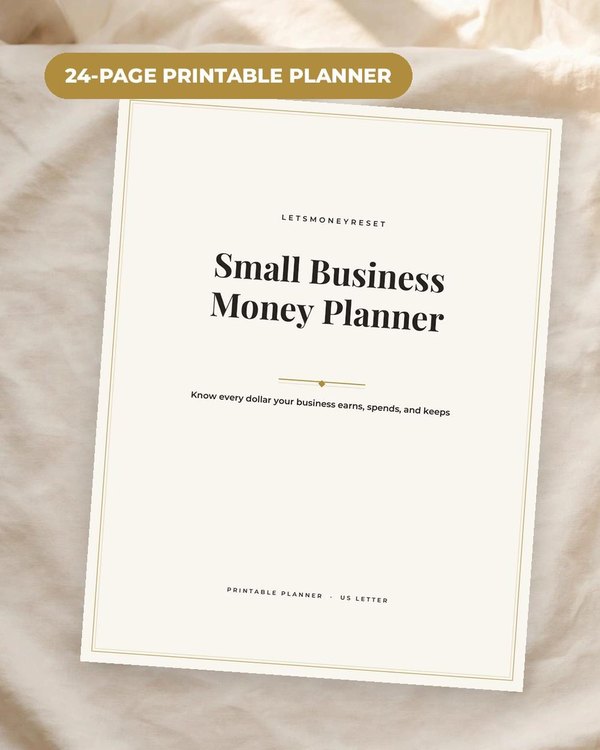
The money side of your one person business in one calm system.

Join the list and get the free monthly budget worksheet plus first word on new planners.
No spam, ever. Unsubscribe anytime.