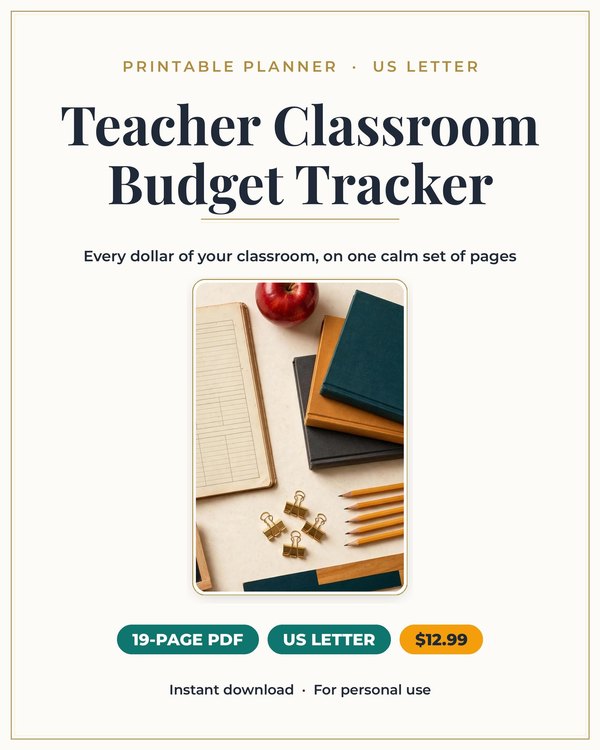
Teacher Classroom Budget Planner
The finance planner built for teachers who spend their own money on their classrooms.
$3.25 $12.99
Buy on Etsy →
Business and Side Hustles
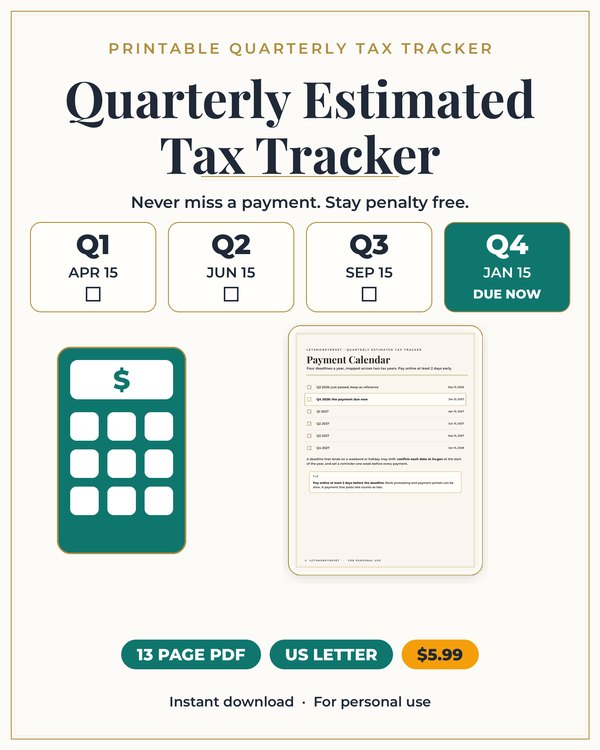
Plan your quarterly estimated taxes on paper.
When you work for yourself, nobody withholds taxes from your pay. You do it yourself, four times a year, and the IRS expects those estimated payments on schedule whether you remembered or not. This printable planner helps freelancers and small business owners stay ahead of quarterly tax payments: track income each quarter, set aside what you owe, and note every payment you make.
No more April surprises. No more scrambling in January to reconstruct a year of income. The planner gives each quarter its own pages, so your tax year stays organized from Q1 through Q4.
Self employed people generally owe estimated taxes four times a year, covering income tax and self employment tax. Miss a payment and you can owe penalties on top of the tax. The tricky part is that freelance income moves: a great Q2 followed by a slow Q3 means your payments should move too.
The planner handles this with per quarter income tracking. You record what you actually earned each quarter, calculate what to set aside, and log the payment when you make it. When income shifts, your set aside shifts with it, instead of being locked to a guess you made in January.
The most important page in the planner is the set aside tracker. Every time client money lands, you move a percentage to a separate tax account before you spend anything. The planner gives you a running log of these transfers so the tax money stays visible and untouched.
The percentage you set aside depends on your income, state, and deductions, and the planner helps you pick a starting rate and adjust it quarterly. The habit matters more than the exact number: money set aside at 25 percent beats money you meant to set aside at the perfect rate.
Each quarter gets an income log for recording what came in and a deductions page for business expenses. Keeping these current through the year means your estimated payments are based on real numbers, and it means tax time is assembly, not archaeology.
The payment log records every estimated payment: date, amount, confirmation number, and which quarter it covers. If the IRS ever questions a payment, you have the record. If your accountant asks what you paid, you have the answer in one place.
It is for freelancers, independent contractors, gig workers, sole proprietors, and side hustlers with self employment income. If you received a 1099 and felt your stomach drop at tax time, this planner is the fix for next year.
It is also for new business owners setting up their money systems right the first time. The planner is a fillable PDF, so you can type directly into it or print it and write by hand, whichever fits your workflow.
Download the planner and set your initial set aside percentage based on your expected income.
Each time you get paid, log the income and transfer the set aside percentage to a separate tax account, recording it in the tracker.
Each quarter, review your income, adjust the rate if needed, make your estimated payment, and log it with the confirmation number.
What buyers ask before downloading this planner.
Generally mid April, mid June, mid September, and mid January, though exact dates shift slightly each year. The planner has space for each quarter's due date so you can fill in the current year's schedule.
It depends on your income level, state taxes, and deductions. Many freelancers start around 25 to 30 percent of profit and adjust quarterly. The planner's review worksheets help you tune the rate as your real numbers come in.
Ordinary and necessary expenses for your work: home office, equipment, software, mileage, professional services, and more. The deductions pages help you capture them through the year. For what qualifies in your situation, talk to a tax professional.
Yes. Track only your self employment income in the planner and coordinate with the withholding from your W2 job. Many side hustlers use the planner for the freelance portion of their taxes.
No. This is an organizational tool for tracking income, set asides, and payments. It does not provide tax advice. For guidance on your specific tax situation, work with a qualified tax professional.
Both. The planner is a fillable PDF, so you can type directly into the fields on your computer or print the pages and fill them in by hand.
Planners from the same collection, built to work together.
The finance planner built for teachers who spend their own money on their classrooms.
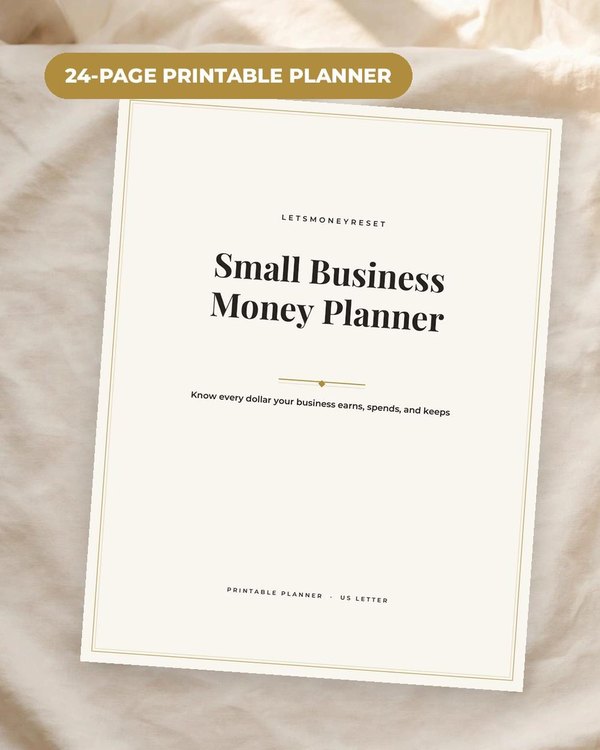
The money side of your one person business in one calm system.

Join the list and get the free monthly budget worksheet plus first word on new planners.
No spam, ever. Unsubscribe anytime.