
52 Week Money Challenge 2027 Printable
Save $1,378 in 2027, one weekly deposit at a time.
$1.50 $5.99
Buy on Etsy →

Budget Planners
Rental Property Spreadsheet
Most landlords track rent in their head, expenses in a shoebox, and maintenance in text messages. At tax time it all becomes a weekend of reconstructing the year. This 6 sheet Excel workbook ends that cycle.
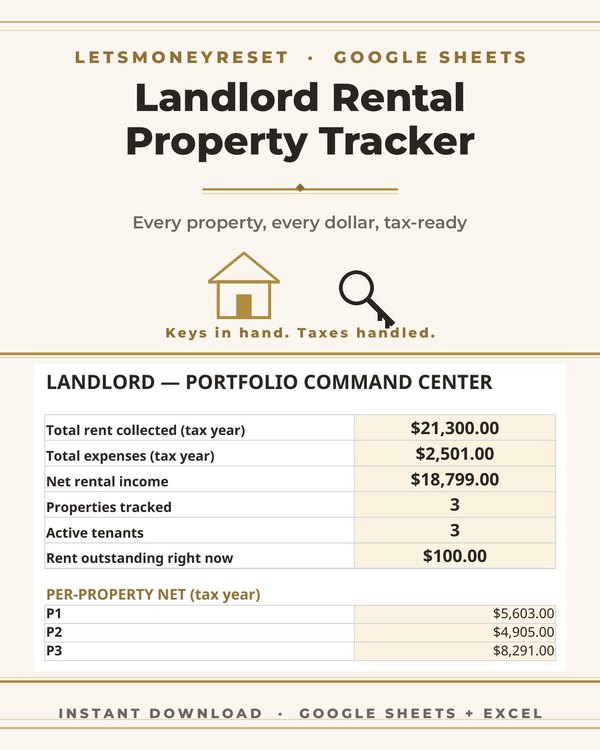
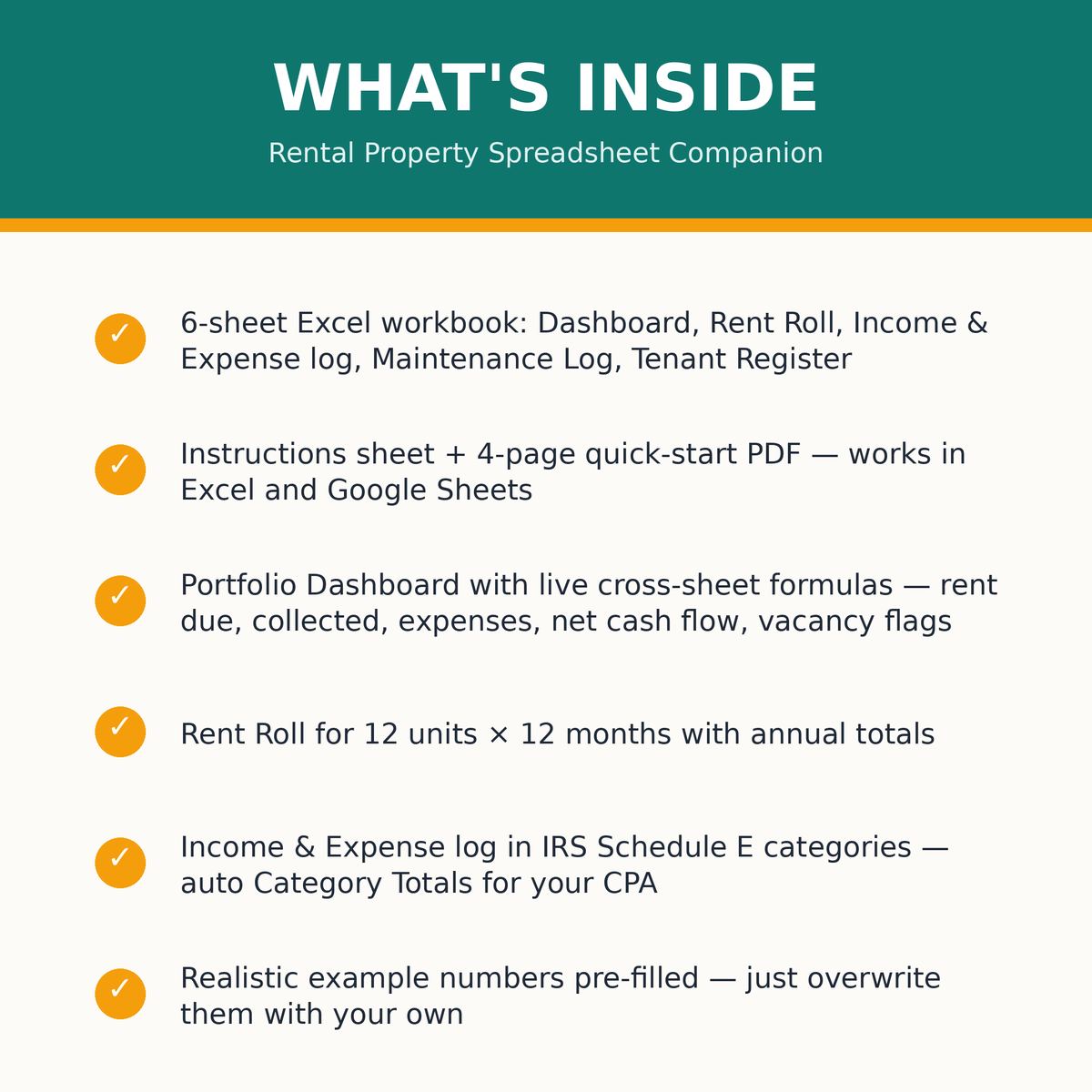
Type each fact once and the Portfolio Dashboard does the rest: per unit rent due, rent collected, expenses, maintenance, net cash flow, and vacancy flags, plus portfolio totals, collection rate, and vacancy rate.
It is built for landlords with 1 to 12 units who want real numbers without accounting software.
The 12 unit by 12 month rent roll is the monthly heartbeat. Each unit, each month, rent due versus rent collected. Late payments and vacancies show up immediately instead of hiding until year end.
The collection rate and vacancy rate on the dashboard come straight from this roll. Those two numbers tell you more about portfolio health than anything else.
Fill it in monthly. Ten minutes a month beats ten hours in April.
The Schedule E income and expense log maps every dollar to the categories your tax return uses. The auto updating totals box keeps a running summary you can hand to your CPA.
This does not replace your accountant. It replaces the shoebox. Organized records mean a faster, cheaper tax prep and fewer missed deductions.
The maintenance log tracks every repair with per unit rollups, so you can see which units are eating your cash flow. The tenant register keeps every tenant's key facts in one place.
Realistic example numbers are prefilled so you can see the workbook working before you enter a thing. Every formula, every rollup, every dashboard number is live in the example. Overwrite the examples with your numbers and it is yours.
The workbook is built in Excel and imports cleanly into Google Sheets. Use whichever you prefer. Your numbers live in your own file, not in someone else's app.
It pairs with the Small Landlord Rental Binder for landlords who want the same system on paper: the binder for the physical records, the spreadsheet for the live math.
This spreadsheet is for small landlords with 1 to 12 units who want to know their real numbers: what each unit earns, what it costs, and where the money goes.
It suits first time landlords especially well. The prefilled examples teach the structure while you learn the business.
It is an organizational tool, not tax, financial, or legal advice. For tax decisions, take the organized records to your CPA.
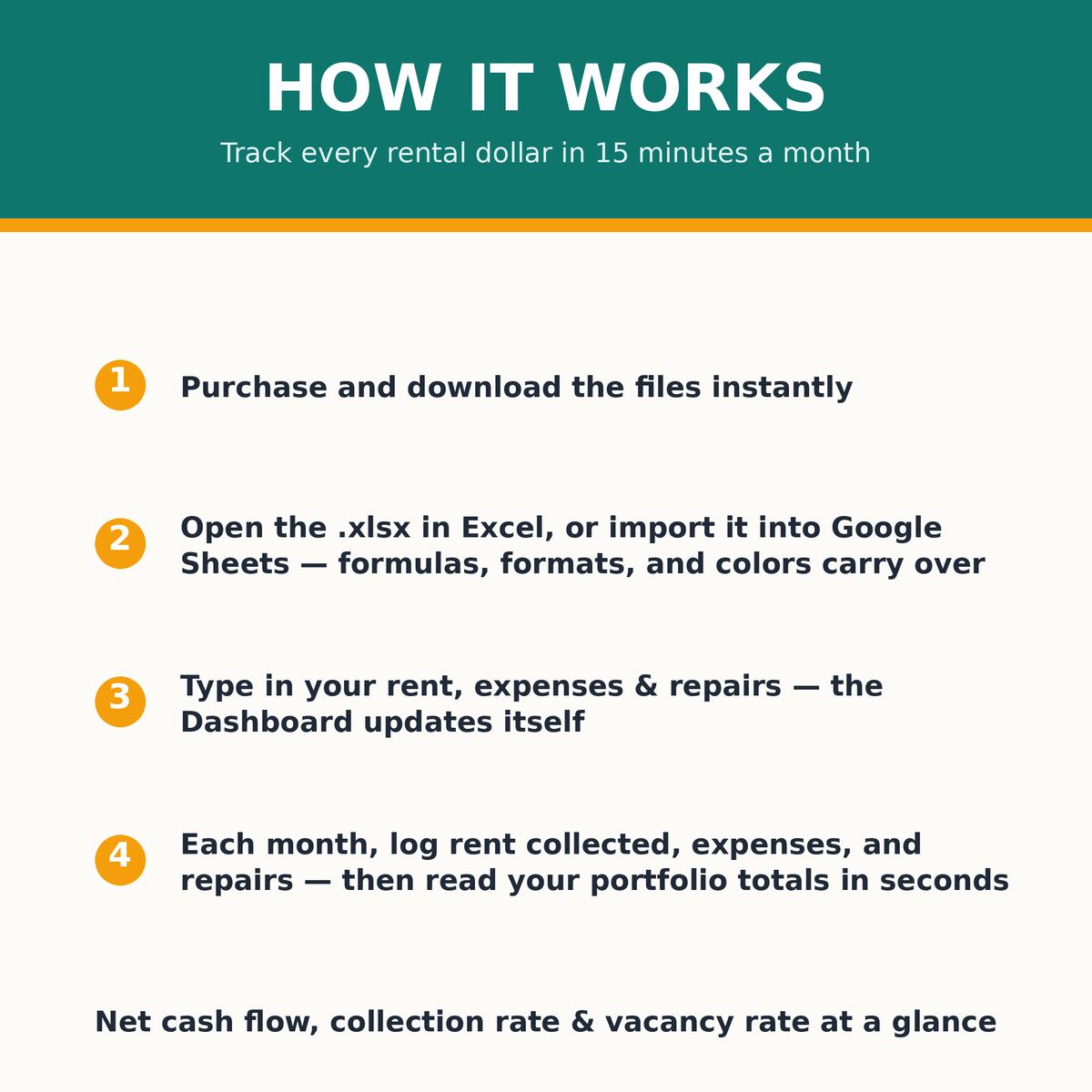
The workbook is designed around a monthly habit that takes ten minutes. Log the rent roll, enter any expenses in the Schedule E log, glance at the dashboard. Done. Twelve months of that habit is a tax return that practically writes itself.
The Schedule E log is the bridge. Because every expense was categorized when it happened, the auto updating totals box always shows your year to date position by tax category. In April you hand your CPA organized numbers instead of a pile of receipts and a prayer.
Landlords who have survived one tax season with this workbook never go back. The difference between reconstructing a year and reading it off a dashboard is the difference between dreading April and shrugging at it.
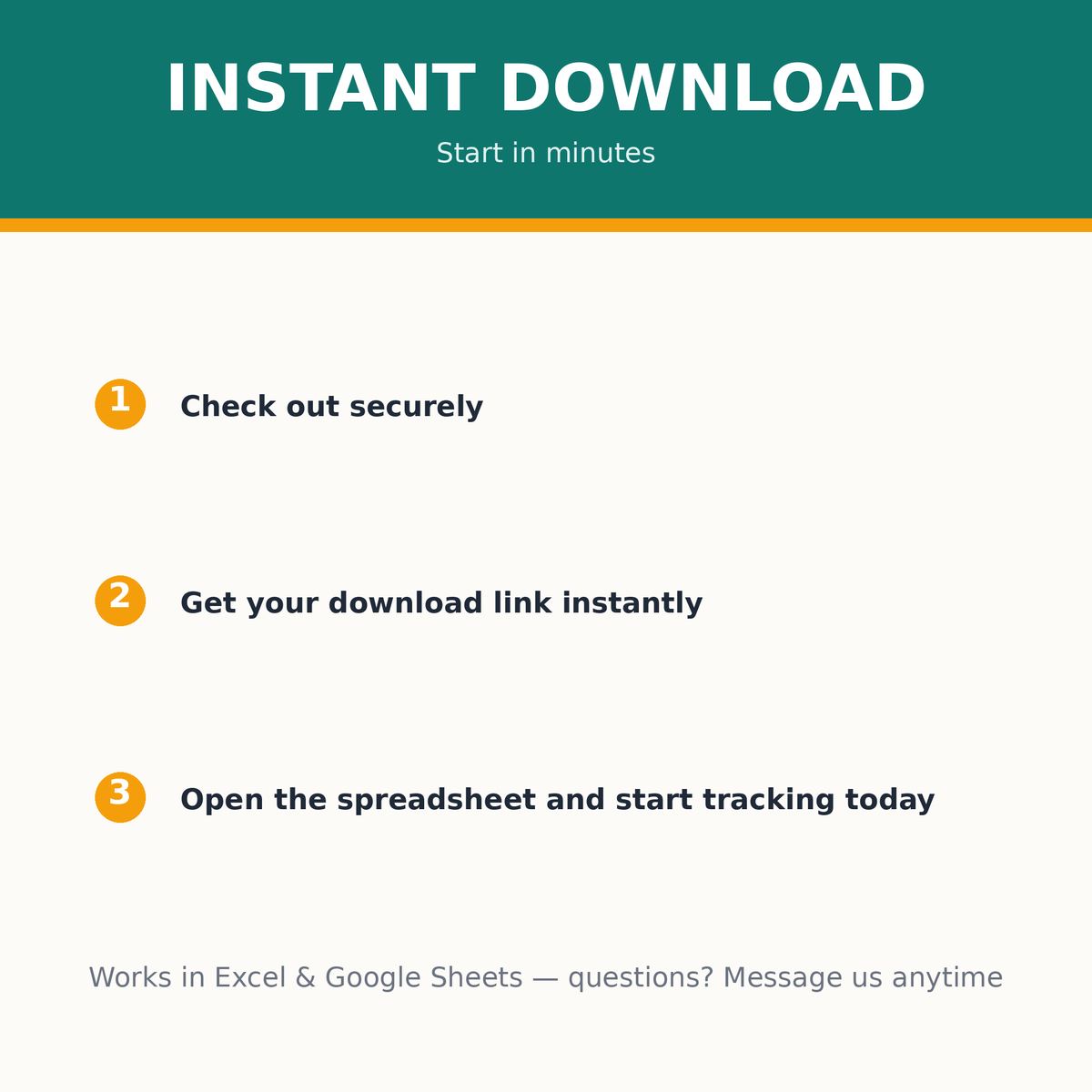
Open the workbook and overwrite the prefilled example numbers with your own rents, expenses and tenants.
Log rent each month on the rent roll and expenses in the Schedule E log as they happen.
Check the Portfolio Dashboard anytime for per unit cash flow, collection rate and vacancy flags.
What buyers ask before downloading this planner.
Type each fact once. The Portfolio Dashboard calculates per unit rent due, rent collected, expenses, maintenance, net cash flow and vacancy flags, plus portfolio totals, collection rate and vacancy rate.
The Schedule E log maps income and expenses to tax categories with an auto updating totals box you can hand to your CPA at tax time.
Yes. Realistic example numbers are prefilled so you can see every formula working. Overwrite them with your own numbers to start.
Yes. The workbook is built in Excel and imports cleanly into Google Sheets, so it works in either.
The 12 unit by 12 month rent roll handles up to 12 units. If you grow past that, the structure shows you what to replicate.
This is an organizational tool, not tax or financial advice. It organizes your numbers so your CPA can do their job faster.
Planners from the same collection, built to work together.
Save $1,378 in 2027, one weekly deposit at a time.

Turn saving into a game you'll actually finish.
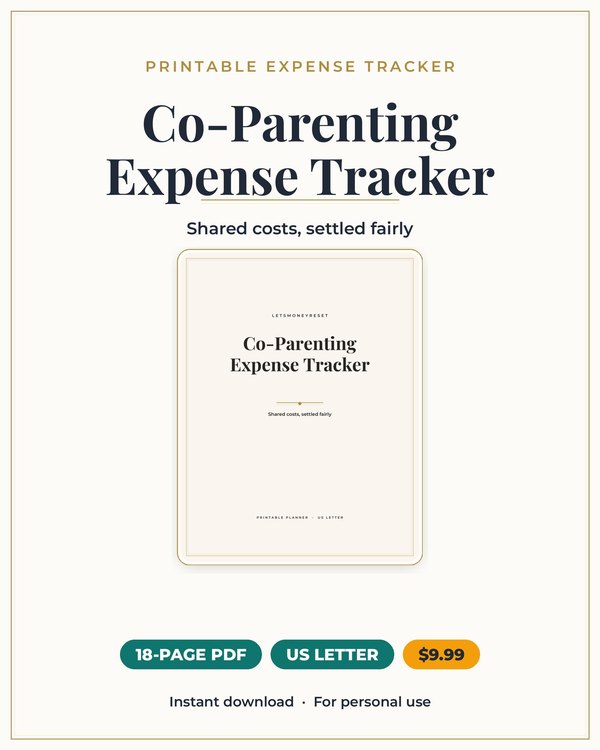
Split kid costs cleanly, with a record you can both trust.
Join the list and get the free monthly budget worksheet plus first word on new planners.
No spam, ever. Unsubscribe anytime.