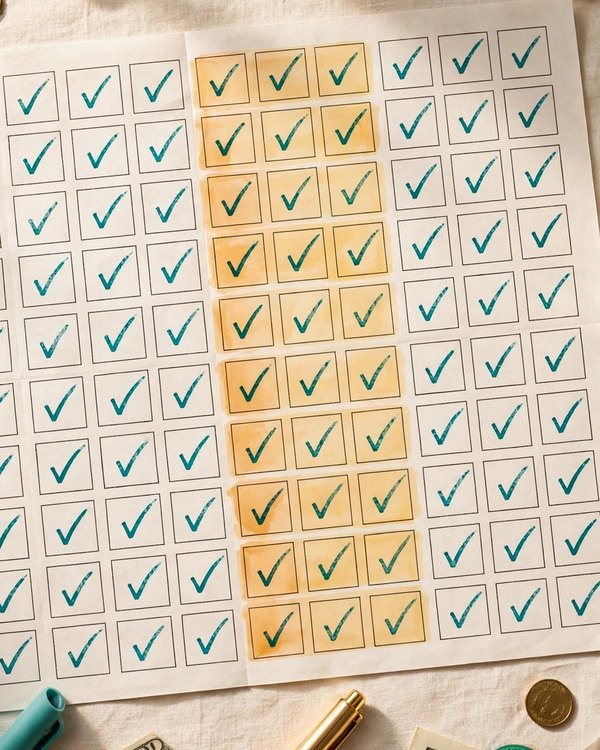
52 Week Money Challenge 2027 Printable
Save $1,378 in 2027, one weekly deposit at a time.
$1.50 $5.99
Buy on Etsy →
Budget Planners
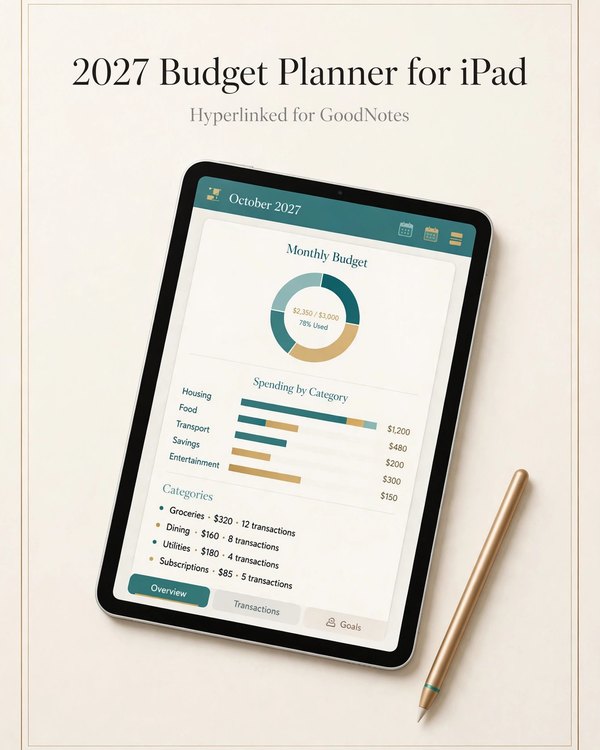
The full 2027 budget planner, made for your iPad.
This is the full 2027 budget planner rebuilt as a hyperlinked PDF for your iPad. It works in annotation apps like GoodNotes and Notability, where you write on every page with your stylus just like paper, except the planner never runs out of pages and never gets lost under the couch.
The hyperlinks are the difference. Tabs along the edge let you tap straight to any month, any bill tracker, or any savings page. No scrolling through a whole year to find March. One tap and you are there. You can also duplicate pages, so a month that needs more room simply gets more room.
You get twelve monthly budget spreads with space for income, planned spending, and actual spending, so each month closes with a clear picture. Bill trackers keep every recurring bill visible with due dates and paid checkboxes, which is where late fees go to die.
Savings pages track each goal separately with running totals through the year. The tabbed navigation ties it all together: monthly budgets, bill trackers, and savings pages, all one tap away from wherever you are.
This is for iPad owners who want to budget with a stylus instead of a pen. If you already take notes in GoodNotes or Notability, this planner slots into the workflow you have. If you are tired of reprinting paper planners every month, this is the version that never needs the printer.
It is also for people who want their budget with them always. Your iPad goes where you go, which means the budget is there at the store, at the billing desk, and on the couch when you are planning the month. It is the budget that is actually there when you need it, which is the whole battle.
Import the PDF into GoodNotes or Notability as a new notebook. The hyperlinked tabs work immediately: tap a tab and the app jumps to that section. Use your stylus to write directly on the monthly budgets, check off paid bills, and update savings totals.
Each month, duplicate the monthly spread if you want a clean archive, or just keep writing. Because it is digital, mistakes erase cleanly, pages never tear, and last year's planner is still on the shelf in the app whenever you want to compare.
A plain PDF on a tablet is just paper behind glass. You still scroll, still hunt, still lose your place. Hyperlinked tabs turn the planner into something paper cannot be: a year of budgets with instant navigation.
That speed matters for budgeting because budgeting dies in friction. The budget you can open to the right page in one tap is the budget you actually update. The one buried eighty pages deep is the one you abandon by February.
Download the hyperlinked PDF and import it into GoodNotes or Notability as a notebook.
Tap the tabs to move between monthly budgets, bill trackers, and savings pages instantly.
Write on every page with your stylus through all of 2027, erasing and updating as freely as paper never allowed.
What buyers ask before downloading this planner.
It is built for annotation apps like GoodNotes and Notability on iPad. Any PDF annotation app that supports hyperlinks and stylus writing should work, but GoodNotes and Notability are the ones it was designed around.
Yes. The tabs are hyperlinked, so tapping one jumps you straight to that section: a specific month, the bill trackers, or the savings pages. No scrolling through the whole year.
Yes, this is the 2027 edition with all twelve months of 2027 laid out. If you want an undated planner you can reuse, look at the printable budget planners in the shop instead.
It is designed for iPad with a stylus, which is where the writing experience is best. It will open in annotation apps on other devices, but the layout and tabs were built for the iPad screen.
Any stylus that works with your iPad and your annotation app will do. The Apple Pencil gives the most paper like feel, but the planner works with whatever you write with.
Download the PDF on your iPad, then use the share menu to open it in GoodNotes or Notability and import it as a new notebook. From there the tabs and writing work right away.
Planners from the same collection, built to work together.
Save $1,378 in 2027, one weekly deposit at a time.
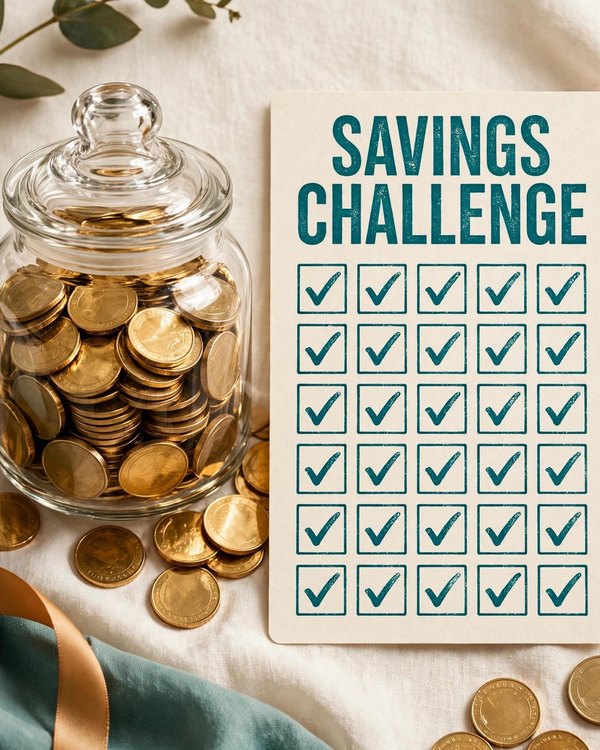
Turn saving into a game you'll actually finish.
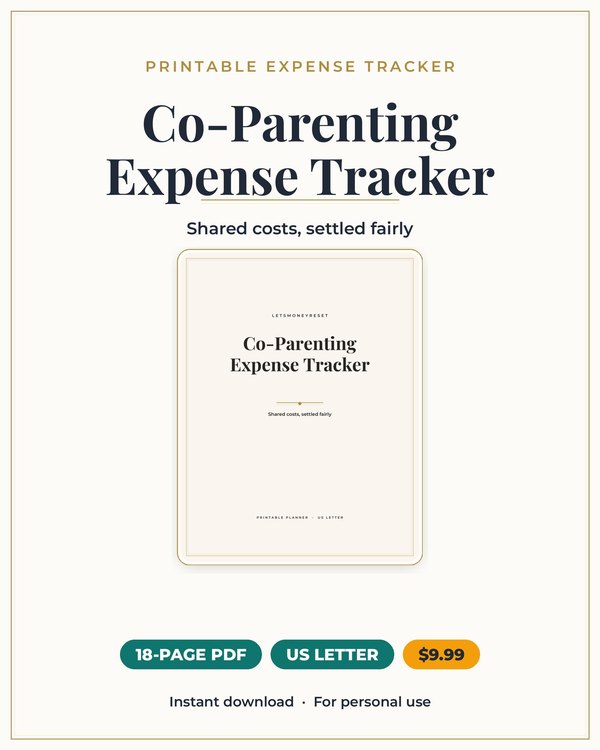
Split kid costs cleanly, with a record you can both trust.
Join the list and get the free monthly budget worksheet plus first word on new planners.
No spam, ever. Unsubscribe anytime.